
Samsung · Freezer / Ice Maker
PC CH Pro Recommended Samsung Ice Maker PC CH — Ice Maker Sensor Error
Ice production drops off or the ice compartment frosts over.
Updated July 2026
What does Samsung PC CH mean?
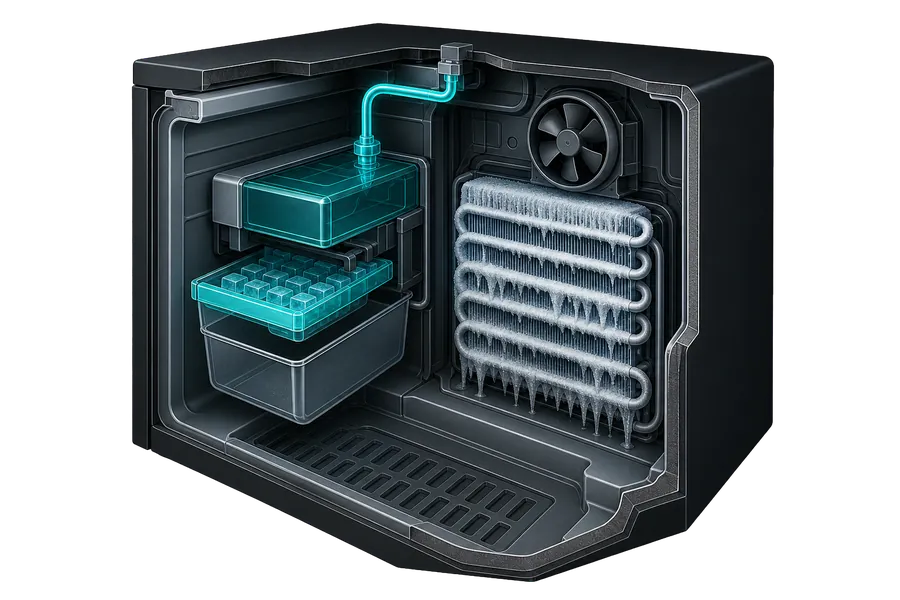
The ice room temperature sensor (the sensor inside the ice-maker compartment) is reading an abnormal value. This code appears on French-door Samsung models with in-door ice makers.
What causes Samsung PC CH?
- Failed ice room temperature sensor
- Ice buildup around the sensor obscuring its reading
- Disconnected sensor wiring in the door (common after ice maker removal/reinstallation)
How to fix Samsung PC CH yourself
- 1 Perform a forced defrost: enter diagnostic mode (press Fridge + Energy Saver for 8 seconds simultaneously), then select the defrost option.
- 2 After defrost, allow the freezer to cool back down and check if PC CH clears.
- 3 If you recently had the ice maker serviced or removed, check that all connectors in the door were reseated.